
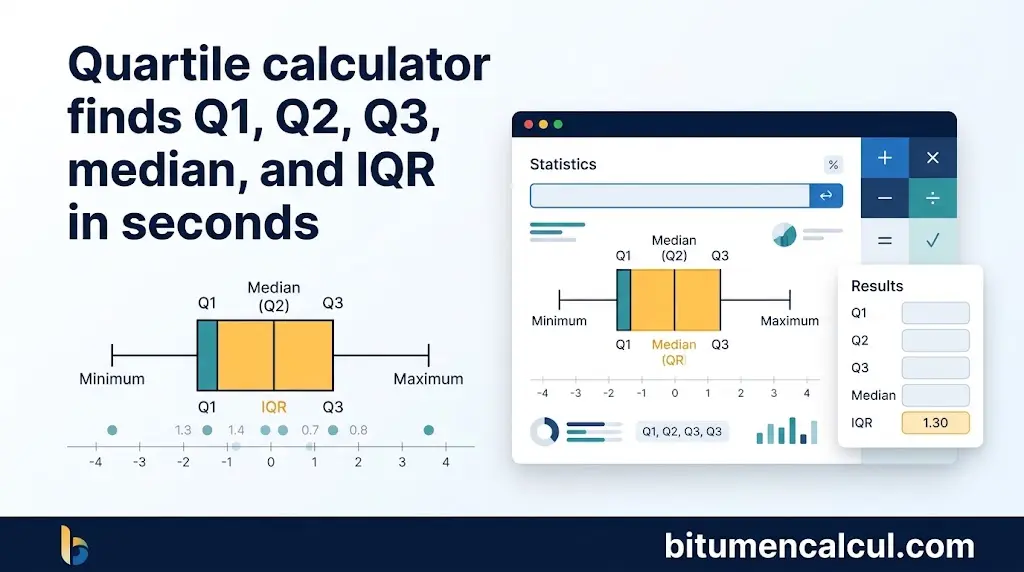
Quartile calculator finds Q1, Q2, Q3, median, and IQR in seconds
Quartile Calculator
Enter your numbers to find Q1, the median (Q2), Q3, the interquartile range and any outliers.
Use a period for decimals (for example 3.5). Negative numbers are allowed. At least 3 values are needed.
Results
Box Plot
More Details
| Count of values | – |
|---|---|
| Range (Max − Min) | – |
| Lower fence (Q1 − 1.5 × IQR) | – |
| Upper fence (Q3 + 1.5 × IQR) | – |
| Outliers | – |
Sorted Data
How It Was Calculated
This quartile calculator and interquartile range calculator helps you calculate the first quartile Q1, second quartile Q2, and third quartile Q3 for a given data set. Along with these quartile values, it also provides the median, minimum, maximum, and interquartile range to give you a clearer overview of your data.
Enter your data values using commas or spaces to separate them. You can also copy and paste multiple lines of data directly from spreadsheets or text documents. For a complete list of supported input formats, refer to the table below.
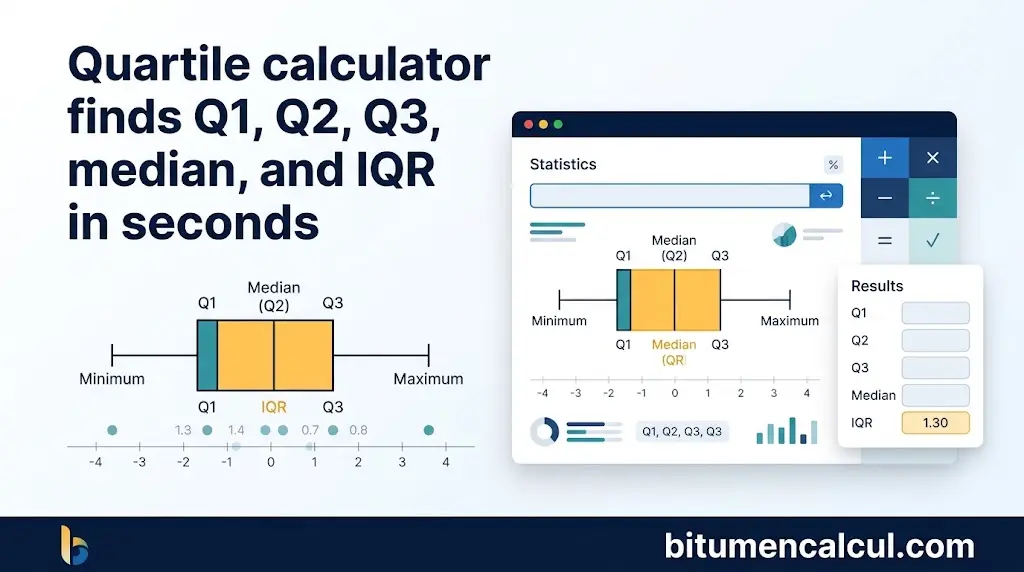
Quartiles
Quartiles divide an ordered data set into four equal parts, with each part representing 25% of the data:
- The first quartile Q1 represents the 25th percentile.
- The second quartile Q2 represents the 50th percentile.
- The third quartile Q3 represents the 75th percentile.
Finding the second quartile Q2 is straightforward because it is the median of the data set. It splits an ordered data set into two equal halves, with the lower half below the median and the upper half above it.
The first quartile Q1 is calculated by finding the median of the lower half of the data, excluding the value of Q2. Similarly, the third quartile Q3 is the median of the upper half, without including the value of Q2.
How to Calculate Quartiles

- Arrange the entire data set in ascending order, starting with the lowest value and ending with the highest.
- Calculate the median of the data set. This value represents the second quartile Q2.
- Use Q2 to divide the ordered data set into two halves: a lower half and an upper half.
- Find the median of the lower half to determine the lower quartile Q1.
- Find the median of the upper half to calculate the upper quartile Q3.
When the data set contains an odd number of values, exclude the median (Q2) from both halves before calculating the first and third quartiles.
When the data set contains an even number of values, calculate the median by adding the two middle values and dividing their sum by 2. This average is the second quartile Q2. It divides the ordered data set into lower and upper halves, which you can then use to determine Q1 and Q3.
How to Find the Interquartile Range
The interquartile range (IQR) represents the spread of values between the first quartile Q1 and the third quartile Q3. To calculate the IQR, subtract the first quartile Q1 from the third quartile Q3.
- IQR = Q3 − Q1
How to Find the Minimum
The minimum is the lowest value in a sample data set. To identify it, arrange the data in ascending order, from the smallest value to the largest. For an ordered data set, x1 ≤ x2 ≤ x3 ≤ … ≤ xn, the minimum is the first value, x1.
The formula for finding the minimum is:
[
\mathrm{Min}=x_1=\min_{1\leq i\leq n}(x_i)
]
How to Find the Maximum
The maximum is the largest value in a sample data set. To find it, arrange all the data values in ascending order, from the smallest to the largest. In an ordered data set, x1 ≤ x2 ≤ x3 ≤ … ≤ xn, the maximum is the last and largest value, xn.
The formula for finding the maximum is:
[
\mathrm{Max}=x_n=\max_{1\leq i\leq n}(x_i)
]
How to Find the Range of a Set of Data
The range of a data set measures the difference between its maximum and minimum values. To calculate the range, subtract the smallest value (x1) from the largest value (xn).
The formula for the range is:
[
R=x_n-x_1
]
Acceptable Data Formats
You can enter your data in several formats when using the calculator. It accepts values arranged in separate columns, comma-separated lists, space-separated values, and combinations of different delimiters. The examples below show how each format can be entered and how the calculator processes the data.
| Type | Your Format Input Options | Actual Input Processed |
|---|---|---|
| Column (New Lines) | 42546547594053 | 42, 54, 65, 47, 59, 40, 53 |
| Comma Separated (CSV) | 42, 54, 65, 47, 59, 40, 53 or values separated by commas on separate lines | 42, 54, 65, 47, 59, 40, 53 |
| Spaces | 42 54 65 47 59 40 53 or the same values spread across multiple lines | 42, 54, 65, 47, 59, 40, 53 |
| Mixed Delimiters | 4254 65,,, 47,,59,40 53 | 42, 54, 65, 47, 59, 40, 53 |
You can copy and paste data directly from a spreadsheet or text document. The calculator recognizes these supported formats and processes the entries as a single data set.
FAQs
Conclusion
The quartile calculator makes it easier to analyze a data set by finding Q1, Q2, Q3, the median, minimum, maximum, range, and interquartile range. By entering your values in a supported format, you can quickly understand how your data is distributed, measure its spread, and identify potential outliers. Whether you are studying statistics or working with everyday data, this tool simplifies quartile calculations and helps you interpret your results with greater confidence.
Read More: