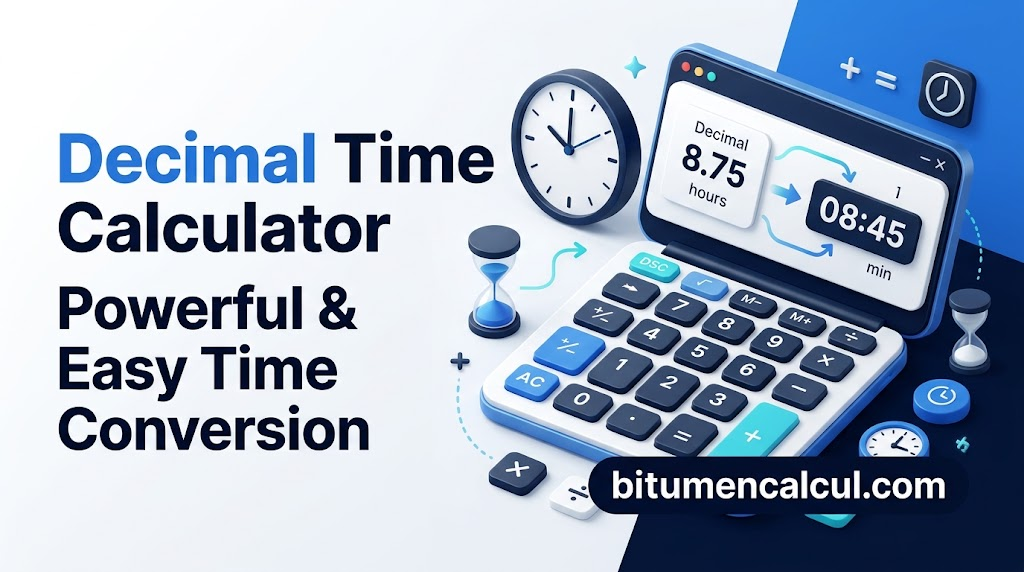
Decimal Time Calculator Powerful & Easy Time Conversion
Decimal Time Calculator
Convert a scientific decimal format number into the standard hh:mm time format, representing hours:minutes. Simply enter a positive decimal value and select the required unit, such as days, hours, minutes, or seconds. The calculator will then convert the entered value into an easy-to-read hh:mm format, making it simple to understand the exact time in hours, minutes, and seconds.
Watch How to Convert Hours and Minutes to Decimal Hours
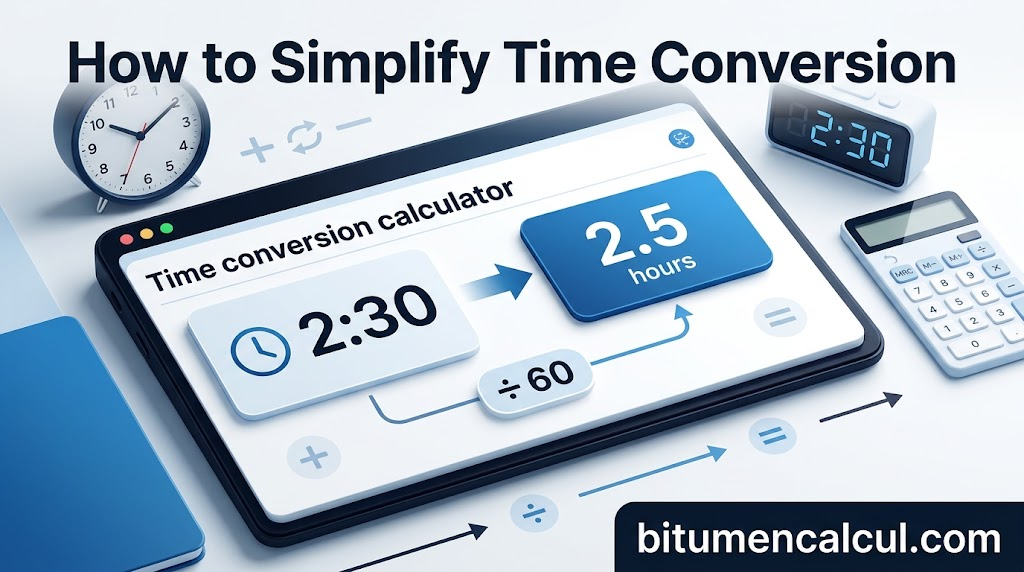
How to Simplify Time Conversion
Converting hours and minutes into decimal values can be time-consuming, particularly when you are working with a large amount of data or need to perform time conversions regularly. In such cases, employee time-tracking software can help make the entire process simpler and more efficient.
Makes time conversion easier by removing the need for manual calculations. Our time clock allows you to display time worked in decimals or hours and minutes, giving small businesses a flexible way to manage time records according to their specific needs.
The software also integrates with payroll providers, including QuickBooks, Gusto, ADP, and other popular platforms. This can save additional time by helping calculate gross and net pay, PTO, overtime, holidays, and more. With accurate time sheets, you can simplify the payroll process, reduce manual work, and stay aligned with labor regulations and company policies.
Everything Is Included. Yes, Everything!
Decimal Hours Chart
Use this convenient reference chart to quickly convert decimal hours to hours and minutes or convert minutes back into decimal values. To use the decimal conversion chart, simply find your starting value in either the “Minutes” or “Decimal” column, and then look across the same row to find the matching value.
For instance, if you need to convert 45 minutes into decimals, find “45” under the “Minutes” column and follow the row across to the corresponding value in the “Decimals” column. You will see that 45 minutes equals 0.75 decimal hours.
You can also use this chart in reverse to convert decimal hours into minutes and hours. Just locate the required decimal value in the “Decimal” column and follow the same row toward the left to find the equivalent number of minutes.
Decimal Chart
| Minutes | Decimal | Minutes | Decimal | Minutes | Decimal |
|---|---|---|---|---|---|
| 1 | .01 | 21 | .35 | 41 | .68 |
| 2 | .03 | 22 | .37 | 42 | .70 |
| 3 | .05 | 23 | .38 | 43 | .72 |
| 4 | .07 | 24 | .40 | 44 | .73 |
| 5 | .08 | 25 | .42 | 45 | .75 |
| 6 | .10 | 26 | .43 | 46 | .77 |
| 7 | .12 | 27 | .45 | 47 | .78 |
| 8 | .13 | 28 | .47 | 48 | .80 |
| 9 | .15 | 29 | .48 | 49 | .82 |
| 10 | .17 | 30 | .50 | 50 | .83 |
| 11 | .18 | 31 | .52 | 51 | .85 |
| 12 | .20 | 32 | .53 | 52 | .87 |
| 13 | .22 | 33 | .55 | 53 | .88 |
| 14 | .23 | 34 | .57 | 54 | .90 |
| 15 | .25 | 35 | .58 | 55 | .92 |
| 16 | .27 | 36 | .60 | 56 | .93 |
| 17 | .28 | 37 | .62 | 57 | .95 |
| 18 | .30 | 38 | .63 | 58 | .97 |
| 19 | .32 | 39 | .65 | 59 | .98 |
| 20 | .33 | 40 | .67 | 60 | 1.0 |
Manual Conversion
Would you rather handle the calculation yourself? Below is a simple explanation of the math used for decimal time conversion, so you can easily convert between hours, minutes, and decimal time manually.
Manually Converting Hours and Minutes to Decimal Time
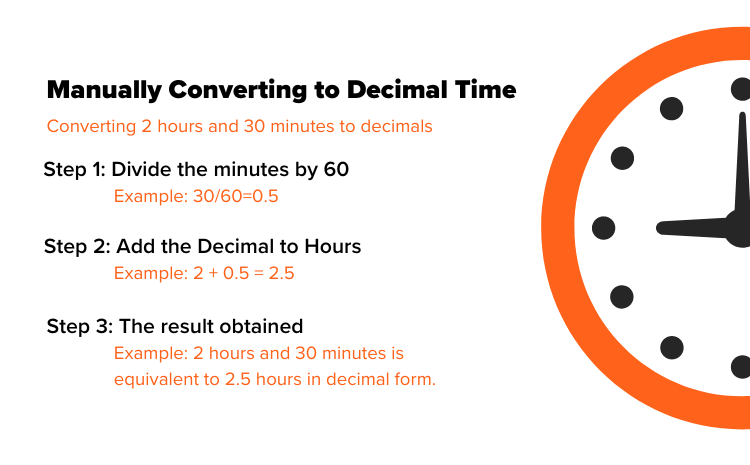
Step 1: Divide the minutes by 60 to change them into decimal form.
Example: If the time includes 30 minutes, divide 30 by 60:
30 ÷ 60 = 0.5
Step 2: Add the decimal value of the minutes to the number of hours.
Example: For 2 hours and 30 minutes, add 2 hours to 0.5:
2 + 0.5 = 2.5
Step 3: Use the result from Step 2 as the total time in decimal format.
The whole number before the decimal point indicates the hours, while the number after the decimal represents the fraction of an hour, which corresponds to the minutes.
Therefore, 2 hours and 30 minutes equals 2.5 hours in decimal form.
Manually Converting from Decimal Time
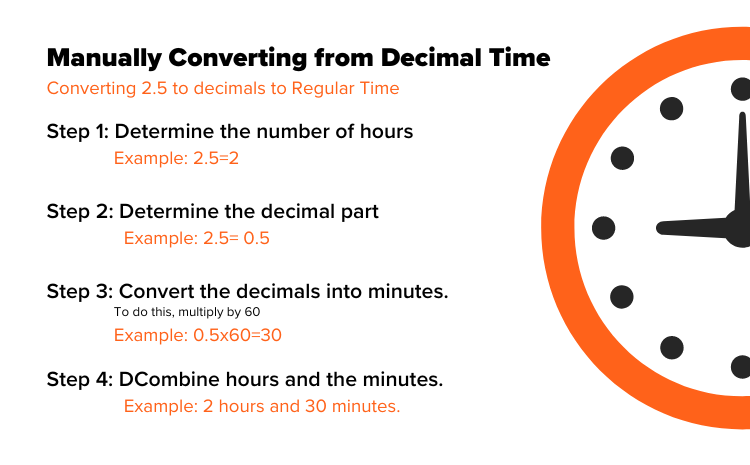
Step 1: Identify the whole number of hours.
Example: If the decimal time is 2.5 hours, the whole number is 2, so you have 2 complete hours.
Step 2: Identify the decimal portion of the time.
Example: In 2.5 hours, the decimal portion is 0.5. This represents a fraction of one hour.
Step 3: Convert the decimal portion into minutes by multiplying it by 60.
Example:
0.5 × 60 = 30 minutes
Step 4: Combine the whole hours with the converted minutes.
Example: The final result is 2 hours and 30 minutes.
Therefore, 2.5 hours is equal to 2 hours and 30 minutes.
FAQs
Conclusion
Converting between standard time and decimal hours does not have to be complicated. With a decimal hours calculator, conversion chart, or simple manual formulas, you can quickly switch between hours, minutes, and decimal values while keeping time records accurate. These methods are especially useful for payroll, billing, employee time tracking, and everyday time calculations.
Read More: