
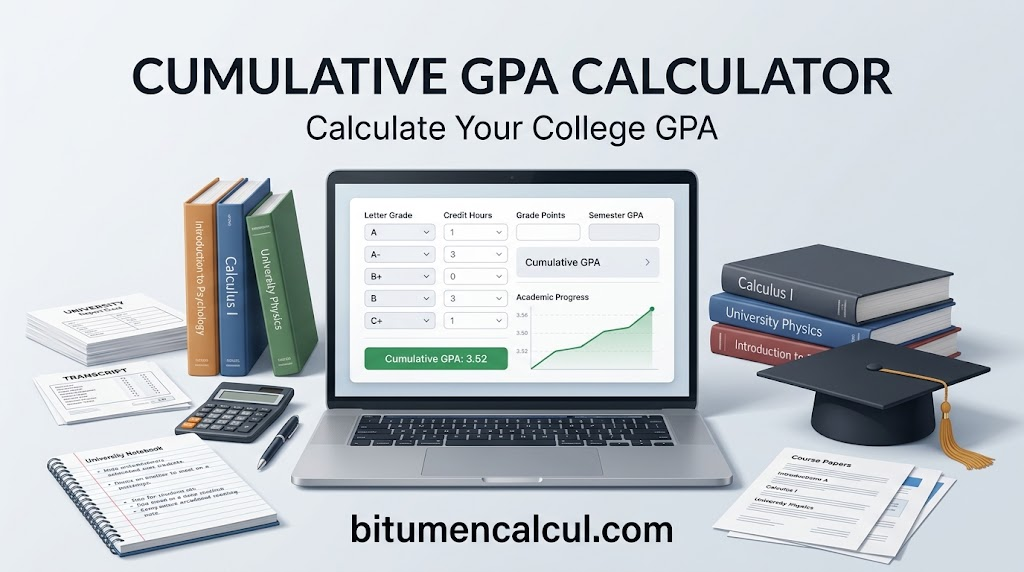
Cumulative GPA Calculator – Calculate Your College GPA
Cumulative GPA Calculator
Calculate your CGPA from multiple courses and semesters
Tracking your academic progress becomes much easier when you understand how your grades add up across different terms. Whether you’re in high school, college, or university, knowing your Cumulative GPA (CGPA) gives you a clearer picture of your overall academic standing and can help you plan your next steps.
It represents your overall grade-point average based on the courses you’ve completed across multiple semesters or academic terms. If you’re studying in college, you can also use a gpa calculator college students can use to work out their grades for individual terms.
Our Cumulative GPA Calculator brings those results together in one place. Enter your grades and credit hours to calculate your overall GPA without dealing with complicated manual calculations.
How to Calculate Cumulative GPA for All Semesters

Your cumulative GPA gives you a single view of your academic performance across all completed semesters. It may be used when applying to college, continuing your education, or entering the workforce. But what is a cumulative gpa? In simple terms, it combines your semester results into one overall GPA based on your grades and completed credit hours.
The process is straightforward. Follow the steps below to enter your information and work out your cumulative GPA.
Step-by-Step Guide
Prefer instructions over a video? Use the steps below to enter your GPA and course details.
1. Enter Your Current GPA
Start by entering your latest cumulative GPA and the number of credit hours it currently represents. This gives the calculator a starting point for combining your previous academic results with new coursework.
2. Add Your Course Names
Enter the name of each course in the appropriate field. This keeps your subjects organised and makes it easier to match every course with the correct grade and credit hours.
3. Select Your Course Grades
Choose the letter grade you received for each course from the dropdown menu. Keep in mind that both A and A+ are treated as 4.0 in this calculator.
4. Enter Your Credit Hours
Add the number of credit hours completed for each course during the semester. Include all relevant coursework, such as laboratory or studio classes, where applicable.
5. Add More Courses When Needed
Have a larger course load? Use the blue Add Course button to create additional rows for any extra classes you need to enter.
6. Add Another Semester
When your current GPA doesn’t cover every semester you’ve completed, add another semester and enter the remaining courses. You can continue adding semesters until all of your academic results are included.
Keep Your GPA Updated
Your cumulative GPA can change as you complete new courses, so checking it regularly helps you keep track of your academic progress. Updating your results after each semester also makes it easier to spot changes early and avoid relying on outdated figures.
For college students who want to check individual term results before combining them, a gpa calculator college students can use may also help organise course grades and credit hours. Keeping your GPA information current gives you a clearer picture of where you stand and what you may need to improve.
What Is a Cumulative GPA?
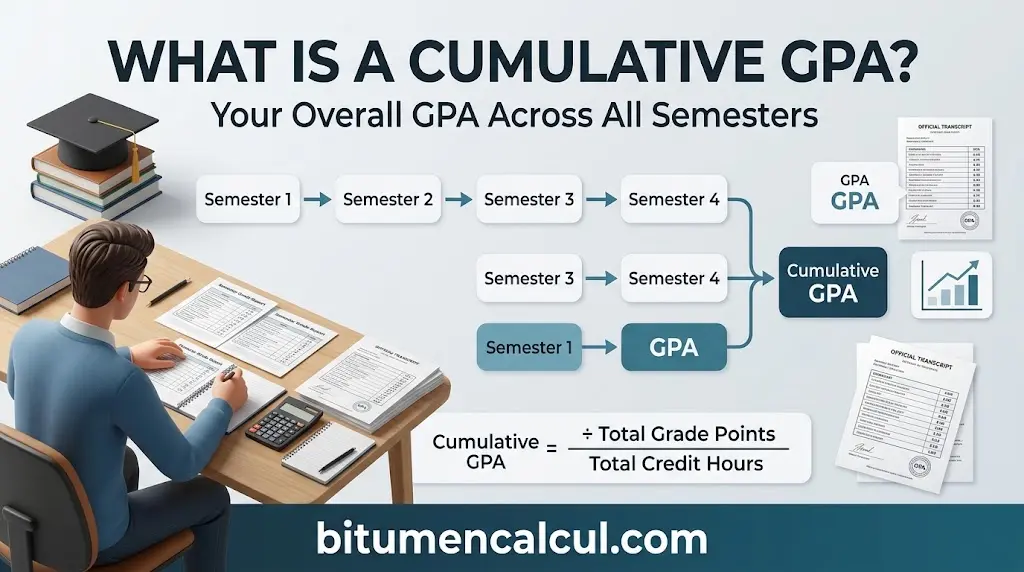
A cumulative GPA is the overall average of your academic performance across all the semesters you have completed. Unlike a semester GPA, which reflects your results for a single term, it combines your performance over time to show your overall academic standing.
For example:
- Semester GPA: Measures your performance during one specific term.
- Cumulative GPA: Combines your academic results from multiple semesters.
You can use a gpa calculator to work out your overall average, while a semester gpa calculator can help you calculate your GPA for an individual term before adding it to your cumulative record.
Colleges, scholarship programmes, and some employers may consider cumulative GPA when reviewing your academic record, particularly when they want to see your performance and consistency over time.
Who Can Use This Calculator?
This cumulative GPA calculator can be useful for students at different stages of their education, including:
- 🎓 College students calculating or monitoring their overall GPA
- 🏫 University students tracking academic performance across semesters
- 📘 High school students keeping an eye on their grades
- 🌍 International students working with common GPA scales
- 📊 Students monitoring long-term GPA progress over multiple academic terms
The calculator supports common GPA scales and is designed to work smoothly across mobile phones, tablets, and desktop computers, making it convenient to check your academic progress wherever you are.
Practical Ways to Raise Your Cumulative GPA
A lower-than-expected CGPA doesn’t mean you can’t improve it. The key is to make thoughtful choices about your courses, grades, and future semesters.
- Give priority to high-credit courses: Stronger grades in courses with more credit hours can have a greater effect on your overall CGPA.
- Work on core subjects: Focus extra study time on major or core courses where better grades can strengthen your academic record.
- Consider retaking low-grade courses: Where your institution permits course retakes, improving an earlier grade may help increase your cumulative GPA.
- Plan upcoming semesters carefully: Set realistic grade targets and choose your course load strategically based on your academic goals.
- Monitor your progress regularly: Use this calculator to check your GPA and see how new grades could affect your overall CGPA.
You don’t have to make a dramatic change all at once. Consistent grade improvements from one semester to the next can steadily lift your cumulative GPA.
FAQs
Conclusion
Keeping track of your cumulative GPA helps you understand your academic progress and plan for future semesters. Use this Cumulative GPA Calculator to combine your grades and credit hours, check your overall standing, and make informed decisions about improving your GPA over time.
Read More: